HOW TO JOIN MULAPAL – A Simple Guide to Smarter Finance

Are you ready to take control of your finances with speed, security, and convenience? Mulapal is revolutionizing how individuals manage money, access financial services, and perform digital transactions—all from their mobile phone. Here’s your ultimate guide on how to join Mulapal in just a few steps.
1. What is Mulapal and Why Should You Join?
Mulapal is a powerful digital wallet designed for seamless financial transactions. Whether you're sending money, paying bills, or shopping online, Mulapal makes it safe and effortless. Joining opens up a world of convenience and control over your finances.
2. Requirements to Join Mulapal
Before you sign up, make sure you have:
A valid national ID
A smartphone with internet access
A registered mobile number
An active email address
These essentials will make your registration quick and smooth.
Check Eligibility
3. Step-by-Step: How to Join Mulapal
Here’s how to get started:
Visit the official Mulapal website or download the Mulapal mobile app from Google Play or the App Store.
Click on “Register” and enter your personal details.
Upload a clear copy of your ID and take a selfie for verification.
Set up your PIN for secure access.
Verify your mobile number via SMS.
You’ll get a confirmation message once you’re successfully onboarded.
Start Registration
4. What Happens After You Join?
Once registered, you can:
Send and receive money
Pay for services
Access government disbursements
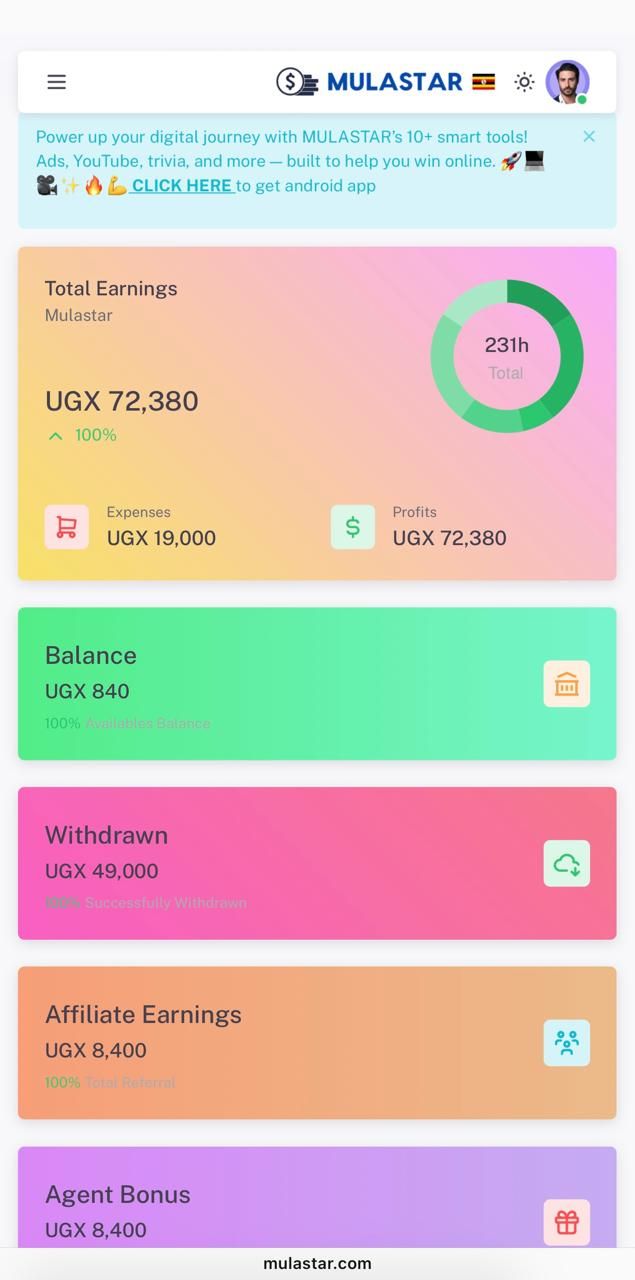
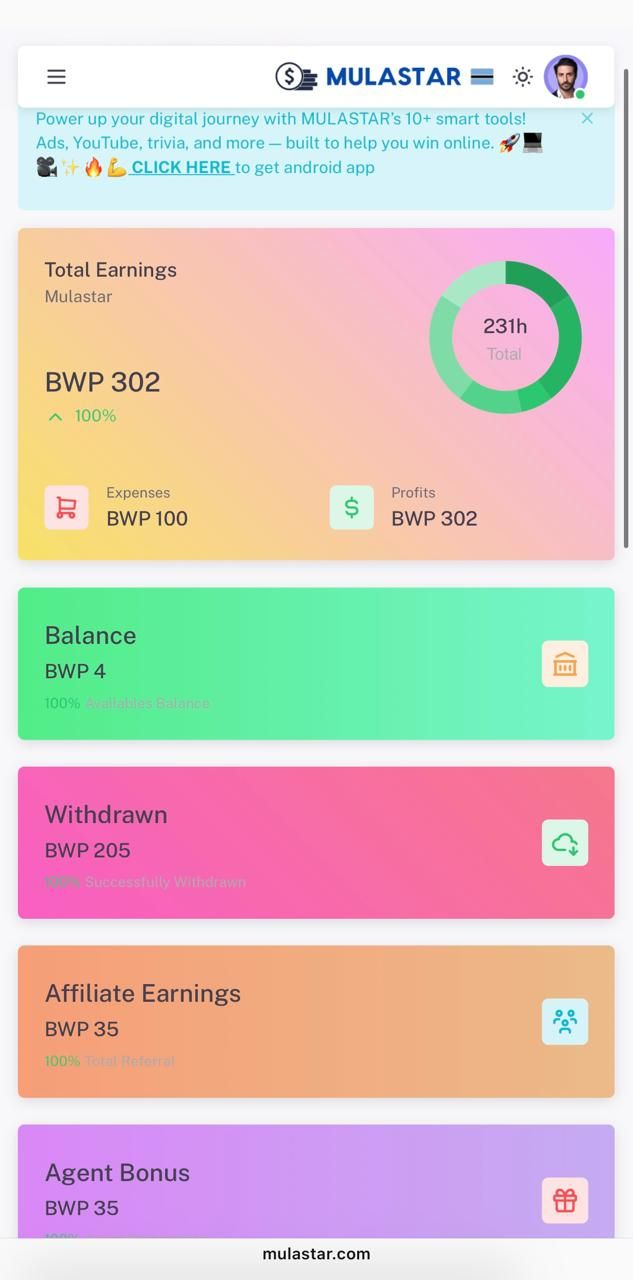
Monitor your transactions in real time
Mulapal ensures your data and funds are safe with advanced security features.
Explore Features
5. Need Help? Mulapal Support Has You Covered
If you run into any issues during sign-up or need help using the platform, the StateHela support team is available through live chat, email, or helpline.
Conclusion:
Take Charge of Your Financial Future
Joining Mulapal is the first step toward a smarter, more efficient way to manage your money. Don’t wait—make the switch today and experience the future of digital finance.

Comments
Please log in or register to post a comment.